M-EasyPOS AI+ Super App by Modus AI Associates
The till, and everything
standing behind it.
Point of sale, stock, warehouse, loyalty and LHDN e-Invoice for multi-branch Malaysian retail. One platform.
Try it now
Three logins, one shop, no sign-up
A five-branch Malaysian retail chain with real trading history — 32 products, 1,725 orders, five tills. Sign in as any of the three and see how much of it that role is allowed to see.
| Sign in as | What they can see | |
|---|---|---|
| Owner | owner@demo.measypos.my |
Everything — five branches, revenue, margin, the AI analyst |
| Branch manager | mgr-bb@demo.measypos.my |
One branch, its takings and its costs |
| Cashier | bb@demo.measypos.my |
The till, orders and stock — no revenue, no margin |
Password for all three: MEasyPOS-Demo-2026
It is a shared demo, so you will see what other visitors have been doing, and it is reset periodically. Changing the password is disabled on these accounts — everyone has it.
Real-time AI analytics
Ask in plain language and the figure is computed from your own database at the moment you ask. Nothing waits for an overnight batch, and the model never writes the number.
A complete POS ecosystem
Eight subsystems on one login and one catalogue. The counter, the stockroom, the customer list and the LHDN filing all read the same numbers.
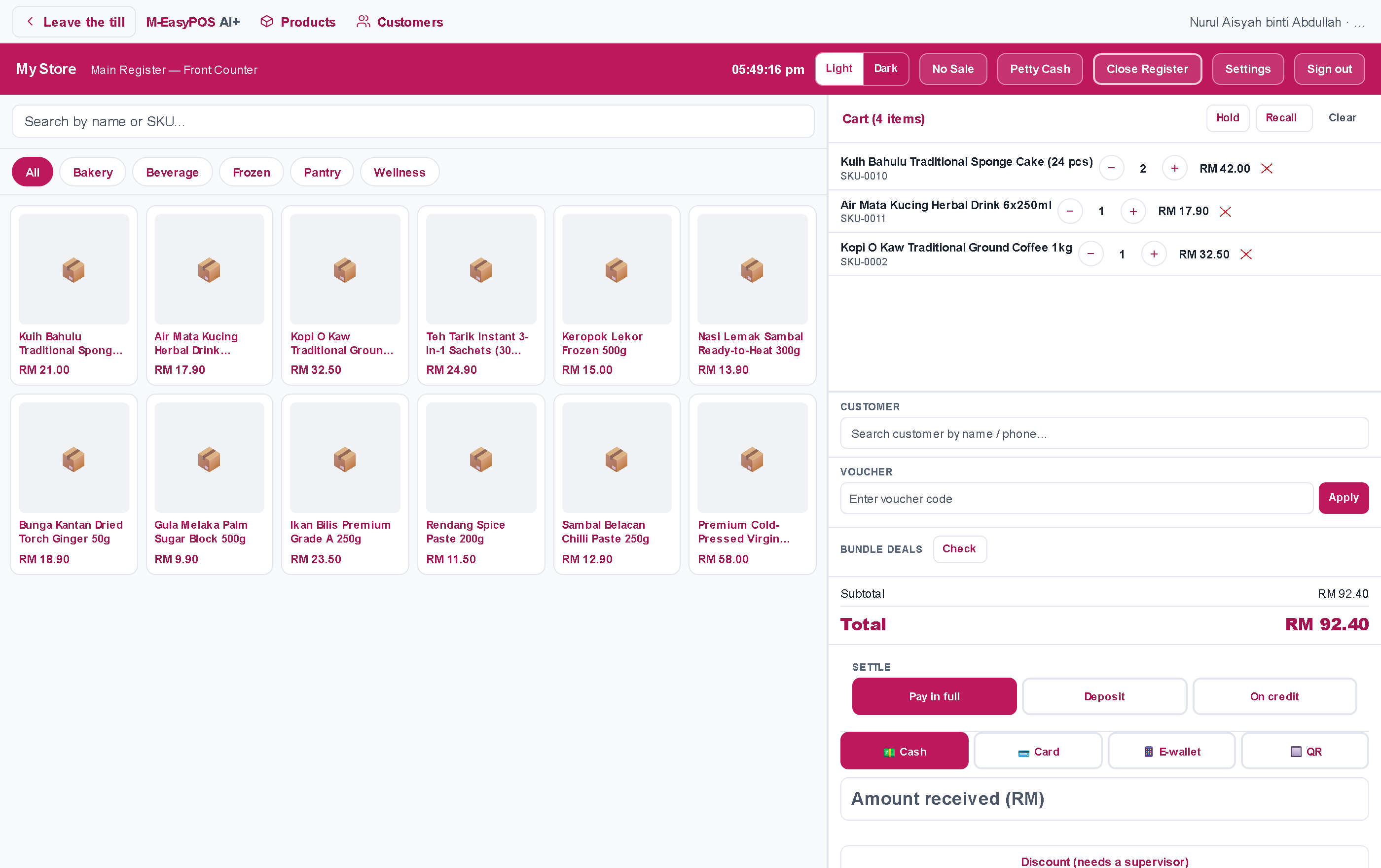
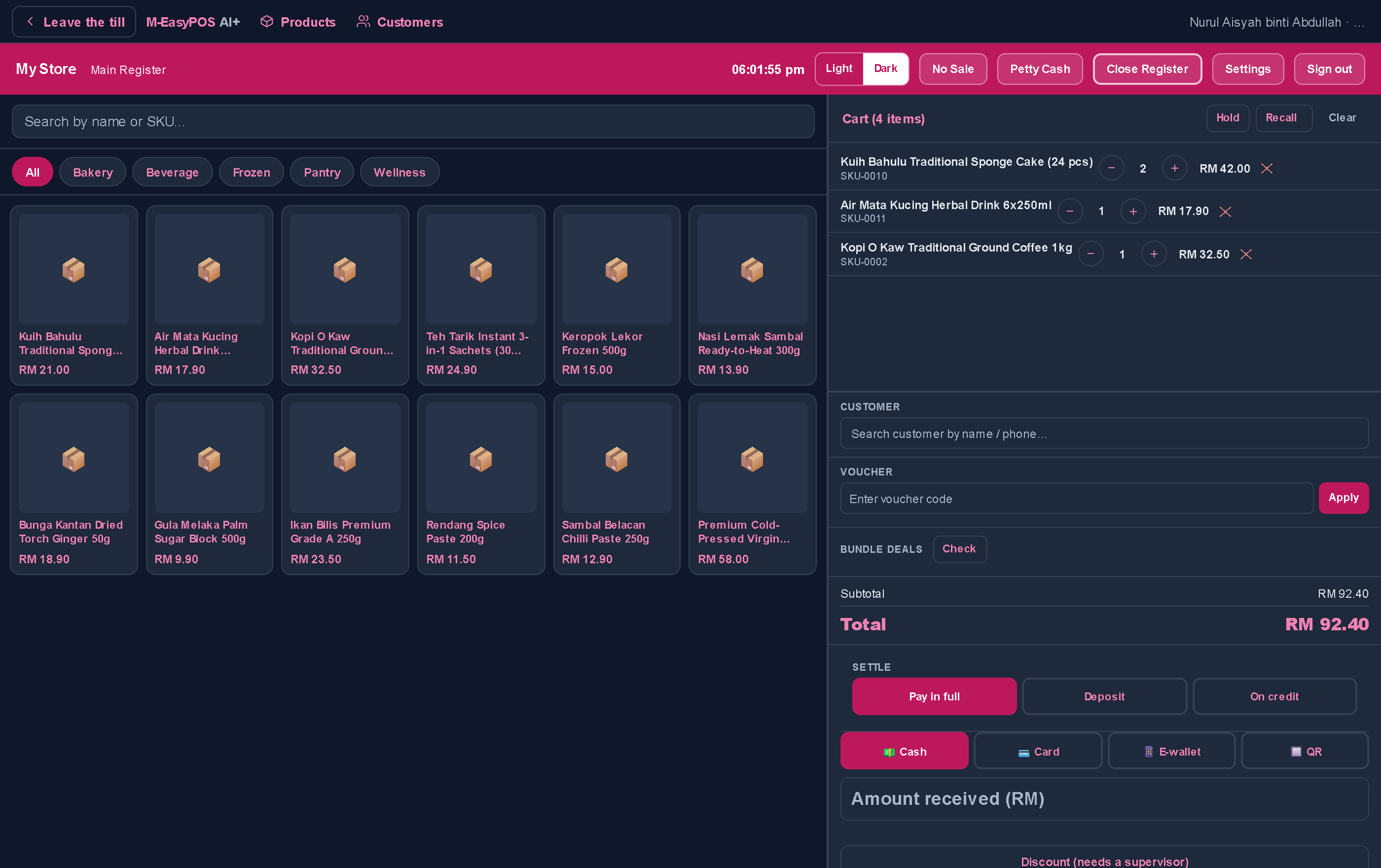
The terminal, mid sale. Cash, card, e-wallet and QR, settled in full, on deposit or on credit.
The subsystems
Eight subsystems, one platform
Each one runs a part of the business the others can see. What a person is allowed to open is decided by their role, not by which link they were sent.
Built around the counter,
not around a report
A register opens with a counted float and closes with a counted drawer. Everything in between is one screen.
- Cash, card, e-wallet, QR, or split across several of them.
- Settle in full, take a deposit, or put it on the customer's account.
- Park a bill mid queue and recall it at any register.
- A discount off the price list needs a supervisor, and the approval is recorded.
- Opening the drawer without a sale asks why, and keeps the answer.
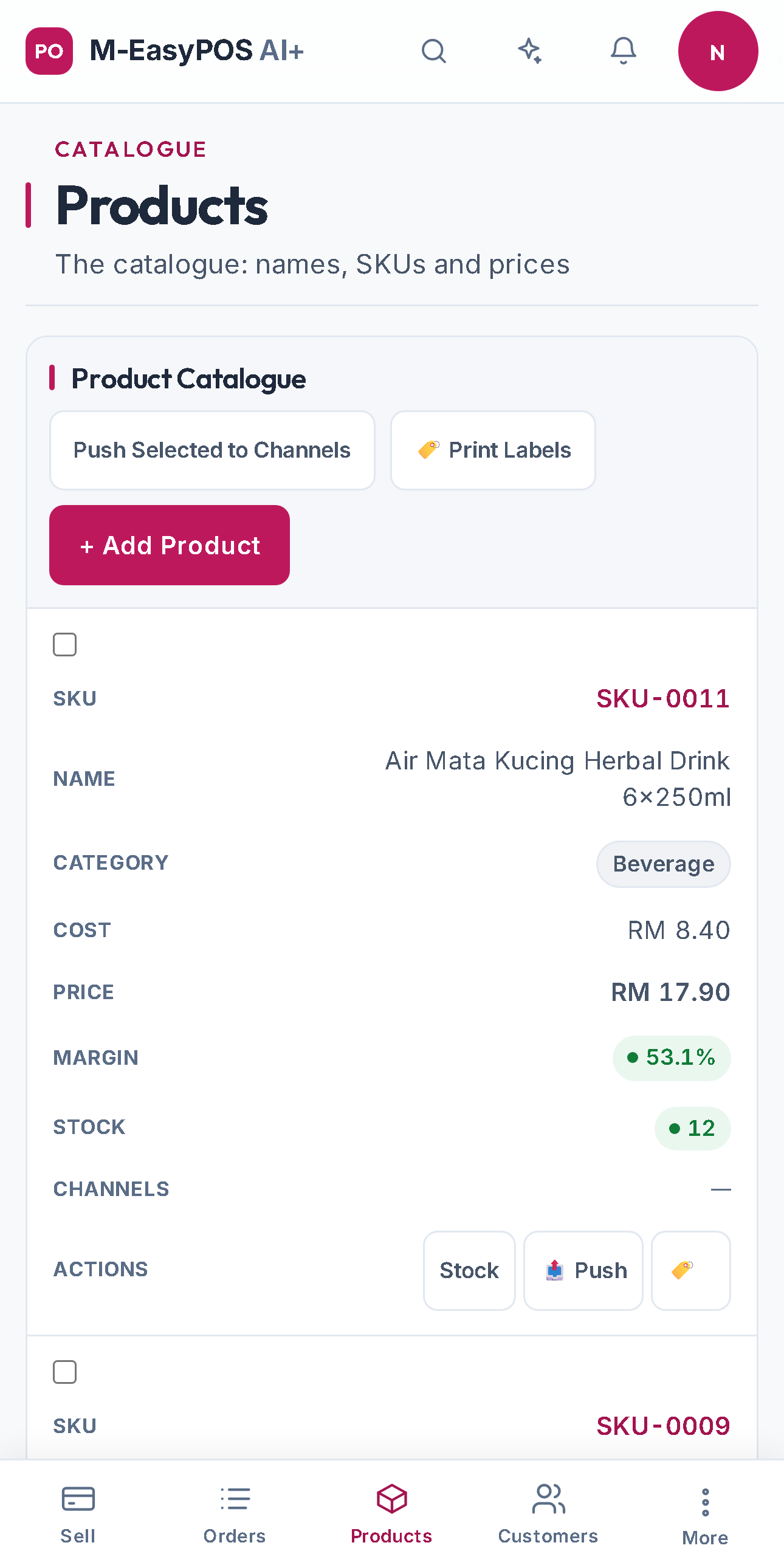
Ask it about your own trading day
Prepared questions and open ones, both answered by real queries against your database. The figure is computed, never written by a language model.
A counter account that asks a revenue question is refused by its role, not by a prompt, and a branch manager's answer covers their branch only.
- Which branch made the most gross profit today?
- How much cash should be in the drawer right now?
- Which of my bestsellers are running low?
- What sold between 11pm and 5am last week?
Malaysian tax and e-Invoice
A sale records what tax it carried
Whether your prices include SST or add it at the till is a decision the platform stamps on every order, alongside the rate and the amount. Change your pricing later and an invoice reprinted next year still says what was actually charged.
MyInvois submissions run in a simulated mode until the transport is switched live, so the whole flow can be exercised before anything is sent to LHDN.
From a spreadsheet to a trading day
Import a spreadsheet, or connect Square, Clover, Loyverse or AutoCount and pull it across.
Say whether prices include SST, name the store, and set what a receipt prints.
Count the float in, and the counter is live. Every branch keeps its own registers.
Close the drawer, then ask the day's questions in plain language.
Ready to open the register?
M-EasyPOS AI+ runs the counter, the stockroom and the filing for multi-branch retail, on one login.
Staff accounts are created by the business owner with an invite code, so nobody joins your workspace uninvited. Built by Modus AI Associates.